Accessible Environments For All Learners

Connections that matter

SMART’s approach focuses on the vital connections we create and the importance of accessible environments for all learners. Their goal is to encourage the free exchange of ideas among individuals at a pace that inspires everyone. As a result, our collaboration and learning from one another become more effective, enjoyable, and meaningful.
Why SMART?
Accessible Environments for all Learners
SMART solutions support inclusive learning environments by increasing access to participation and engagement for all students.
- Inclusive Access
 Inclusive Design
- Inclusive Voice


 Learning Without Language Barriers

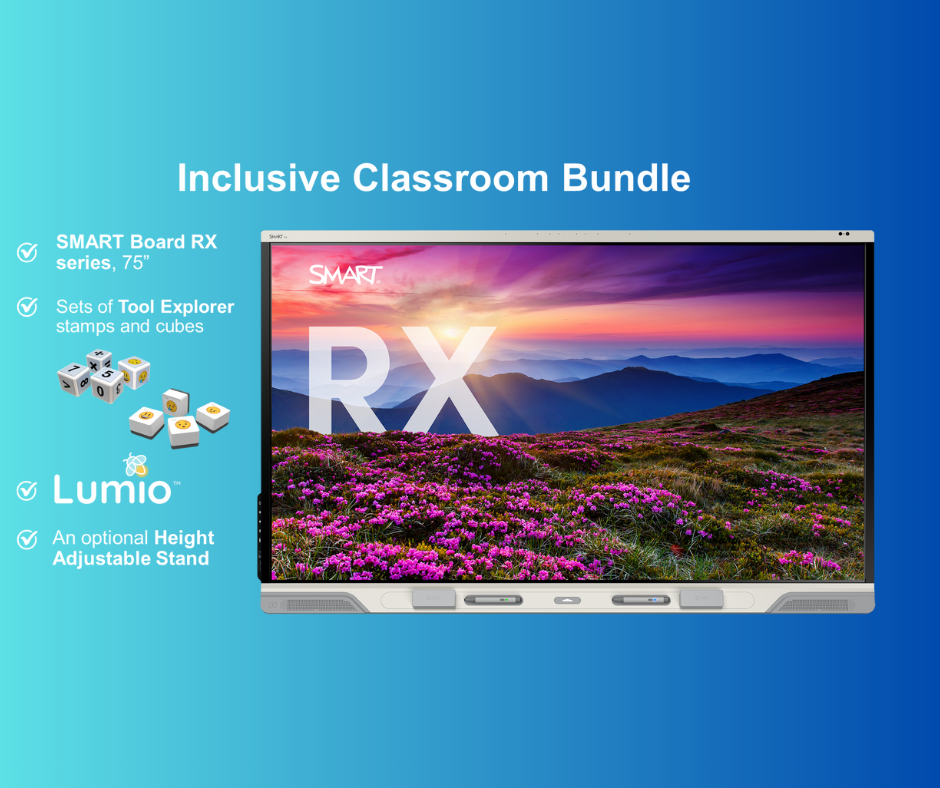
Tool Explorer stamps and cubes facilitate non-verbal communication through aided language input (AAC). SMART’s patented Tool Explorer technology enhances interactive learning for all students by recognising real-world objects, such as SMART programmable tools. This allows students, including those who communicate non-verbally, to engage in innovative and meaningful ways. and meaningful ways.
Tools For Active Participation
Digital manipulatives are interactive tools that allow students to drag, drop, rotate, and draw on them. They promote active participation across various subjects, including math, reading, music, money, time, patterns, and more.
Students can utilise these manipulatives to practice their learning, represent abstract concepts, and physically demonstrate their problem-solving skills. Platforms like Lumio and iQ offer manipulatives that support learning in math, science, language, and social-emotional learning (SEL).

Equitable collaborative experiences
Shout It Out provides students with equal and active opportunities to share and develop their voices and ideas.
You can engage students in a class discussion, brainstorm, or conduct a quick poll where every student contributes text or images to a shared space. This approach allows students to express their thoughts without feeling singled out, relying on spoken language, or having to navigate to the front of the room.
Student Agency
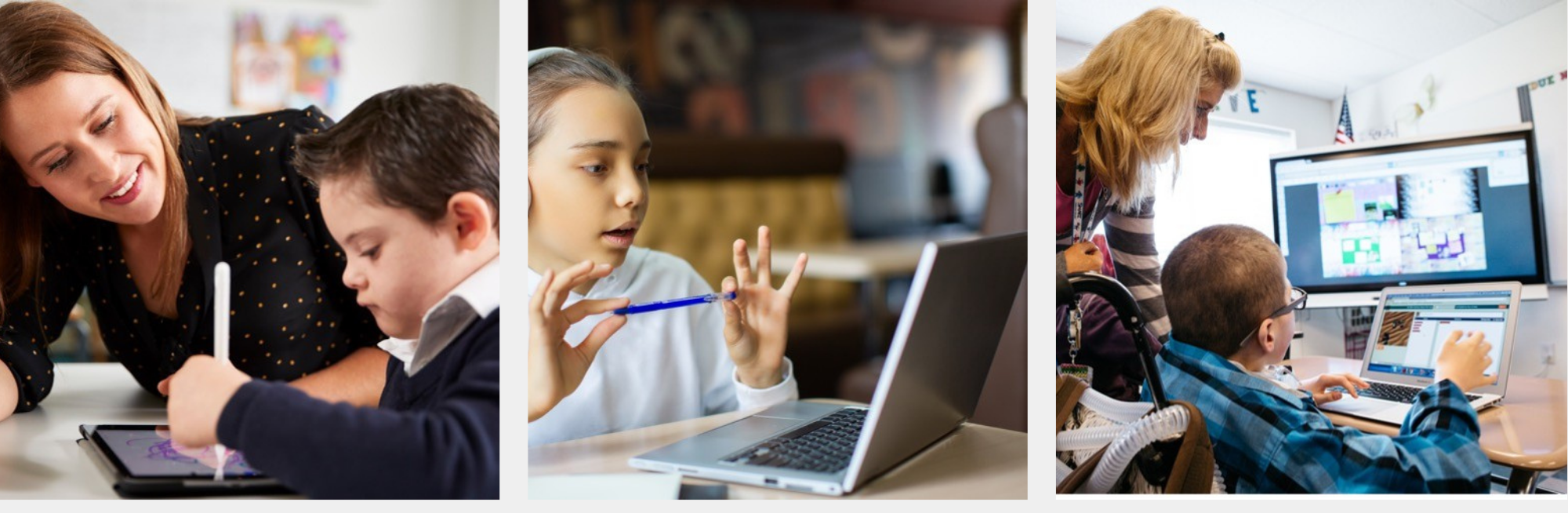
Connecting student devices to the front-of-the-room display allows students to control their viewing experience while consuming content. It also enables them to share their thoughts and learning on the display, regardless of their location in the room.
This ease of viewing and sharing gives students control over the pace and place of their learning, ensuring that each student can learn in a way that works best for them.

Why the Inclusive Classroom Bundle?
Support All Learners with SMART
Our Inclusive Classroom Bundle offers a variety of multimodal learning experiences to accommodate all students, regardless of their preferred learning styles.
With features such as customisable stamps, digital manipulatives, instructional audio, and more, SMART’s Inclusive Classroom Bundle enables students to engage and participate in learning experiences without relying solely on spoken or written language.
EdTech facilitates UDL
- Gives multiple modes of expression
- Use of Games as a means to deliver information and practice skills
- Various ways to interact with content
- Offers visual cues and transition support

Make Learning Accessible For All
World Class Ink
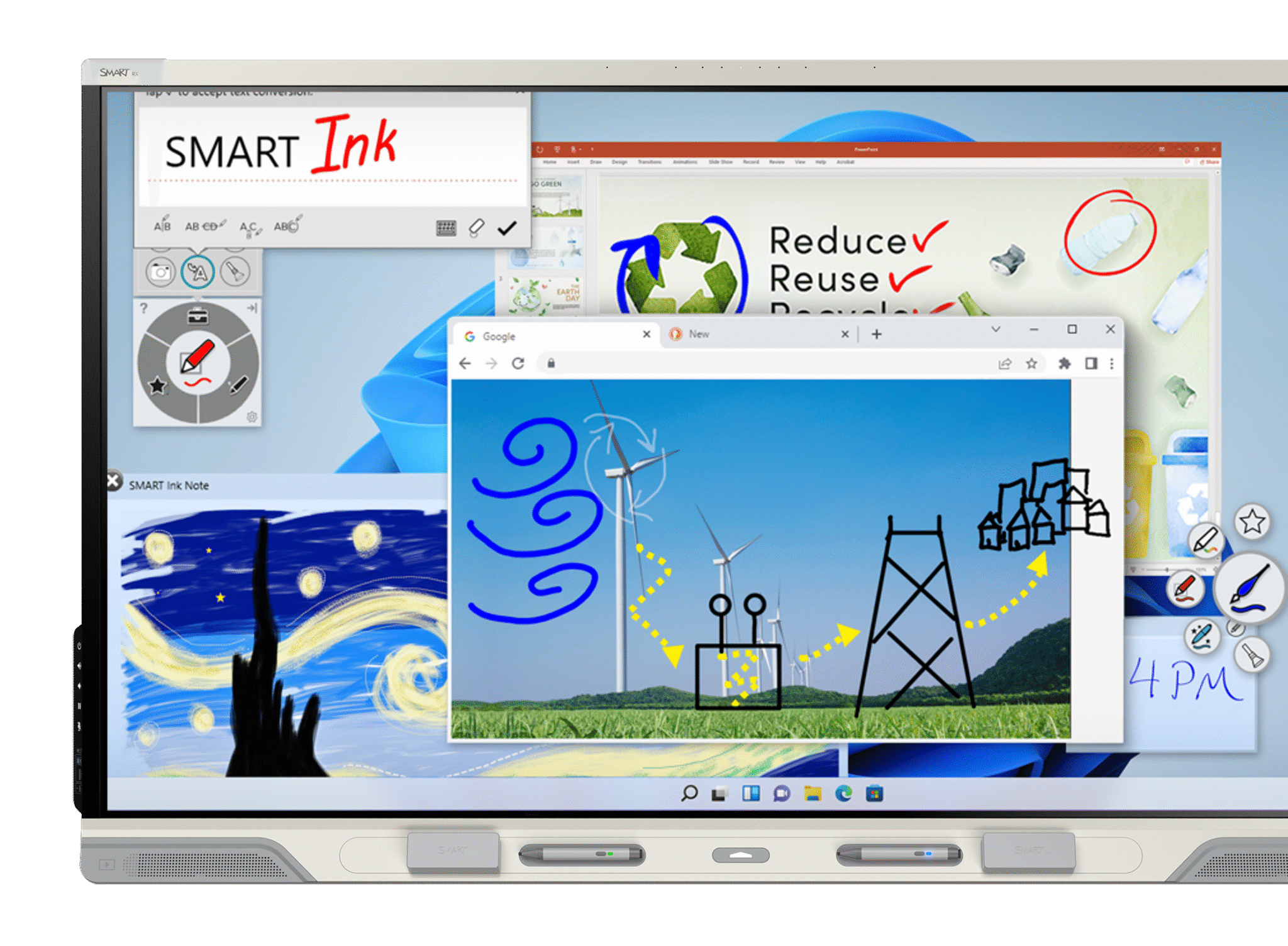
SMART Ink allows students to collaborate with more pens types and annotation tools that let students write over and into a diverse range of file types with blocking navigation.
Tool Explorer
Customisable stamps and cubes focus student attention and support aided language instruction in the classroom.
Intuitive touch
Zero CDH, 40 points of touch, differentiated tools, and palm rejection facilitate seamless collaboration, allowing students to lean on the panel for support as needed.
Manipulatives
With ready-made manipulatives, students can practice and showcase the learning, use fine motor skills and bridge abstract to physical concepts all without relying on spoken language.
Pacing and viewing
Content from the board can be shared with student devices, allowing students to zoom and adjust viewing area to meet their needs. Teacher and student pacing options help manage focus.
Supports hardware
Students can connect their existing accessibility devices to the RX.
Tools that don’t interfere with student creation
SMART Ink
Simple markup shouldn’t interfere with learning, and yet every other interactive display annotation tool freezes the screen!
Only SMART Ink software lets students write over and into web browsers, applications, and files on Windows and Mac – without blocking navigation with an overlay
Tools for Student Focus
Magic Pen is a pen tool in SMART Notebook and SMART Ink that helps focus student attention. Magic Pen allows teachers to use disappearing ink, a spotlight or a magnification to focus and engage learners.
Teachers can provide brief instructions in disappearing ink, spotlight an excerpt from a text, or magnify a diagram to help students focus.
This helps limit distractions and keep students engaged with the content.
Equitable collaboration
Only SMART displays with iQ simultaneously support palm reject and the use of multiple tools.
This means students can use one hand to support themselves on the panel while writing, touching, and gesturing or erasing, at the same time, alongside their peers, over any program or app, without interfering with another’s tools.

Student-driven learning
Make sure all learners can access the content
SMART displays with iQ allow for
whole-class participation
Students can connect their devices to the front-of-room display, giving them control over the size of the viewing area on their screens, control over pacing, as well as the ability to brainstorm and share their thinking from wherever they are in the classroom.
Included activities for student devices: 
- Collaborative whiteboard canvas with attribution
- Polling & voting
- Checks for understanding
- Questioning & reflection exercises
- Freeform or categorised brainstorming and ideation
- Activating prior knowledge
