

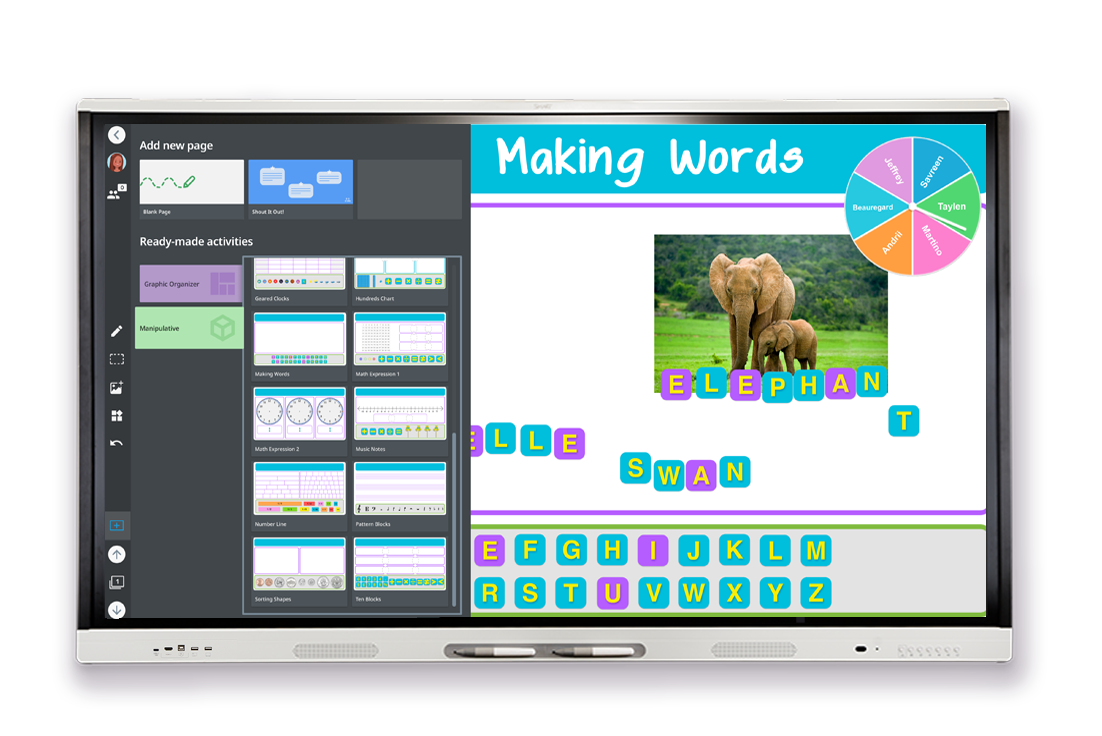


Description
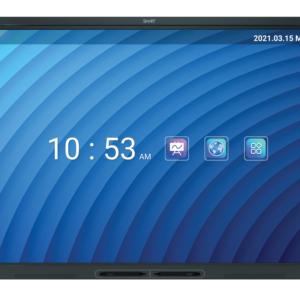
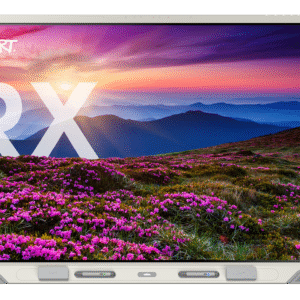
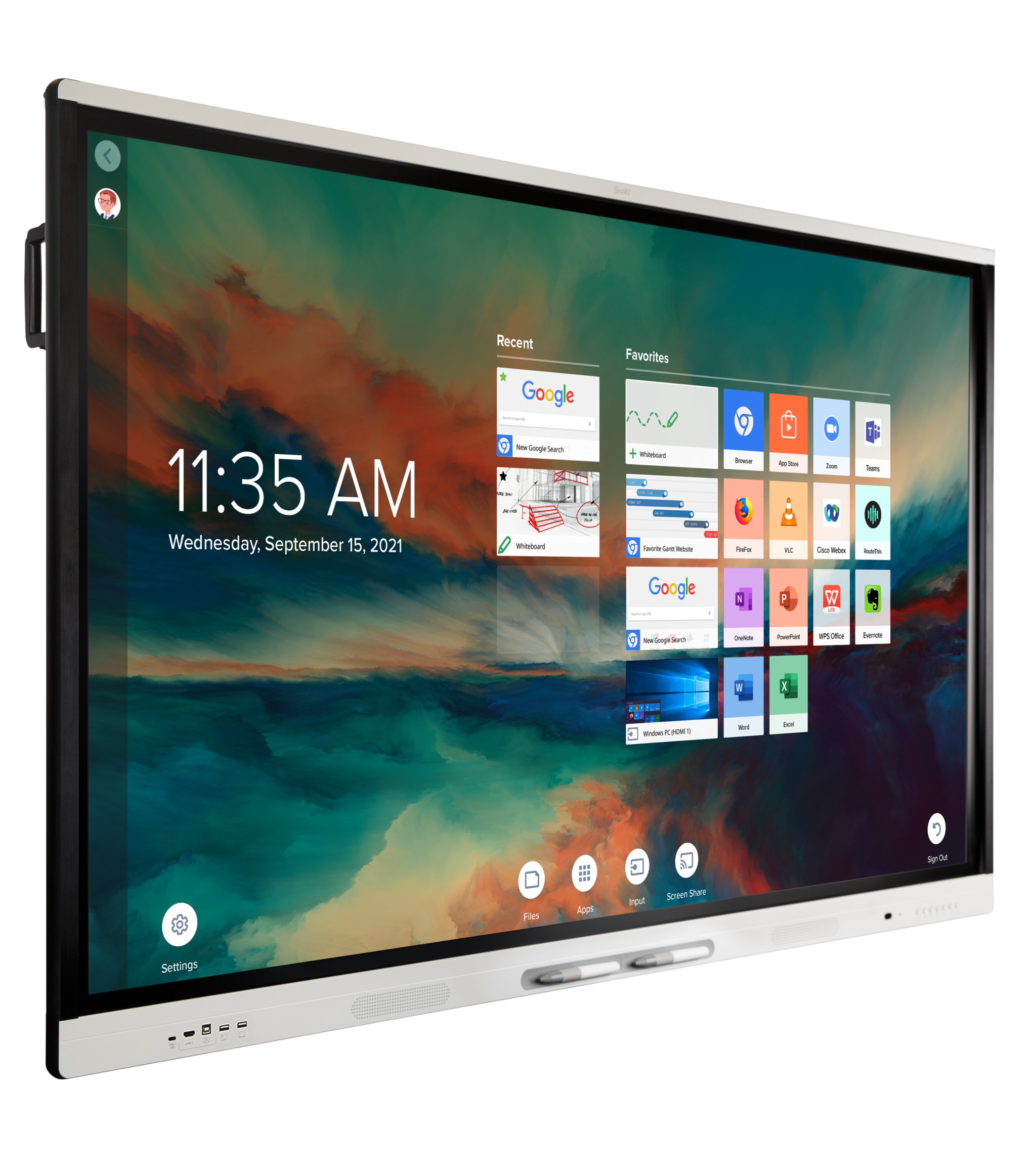
Smart Board MX Series
55” | 65” | 75” | 86”
Get Connected
Easily connect and interact with your devices and content so they do more to support collaboration—in and out of the workspace. Seamlessly connect your office technology and infrastructure with a SMART Board interactive display. Bring together your standalone devices, computers and peripherals, digital tools and content, so they’re used to their fullest potential
Get Simple
Engineered for the simplicity teachers want, the SMART MX series is a high-quality display that’s as easy to maintain and future-proof as it is to use.SMART’s exclusive walk-up-and-use touch and ink experiences help teachers use their displays more easily, more effectively and more often – maximizing your tech investment.
Get Engaging
Designed-for-education iQ, plus interactive software and resources for every grade and subject area are included free, with no subscription
needed.The SMART MX series comes with a free, always-growing set of teaching tools and resources for student engagement, including award-winning software. All included FREE, no subscription required.

Connect Student Devices for Active Learning with 2 Clicks
Only SMART displays allow an entire class to work directly in the embedded whiteboard – without student logins , so teachers don’t need to interrupt the lesson to get students signed into a separate tool. SMART Mirror screenshare provides native, browser-based and app-based screen sharing. The Windows and Mac OS app enables screen sharing without prior network configuration and includes touchback support.
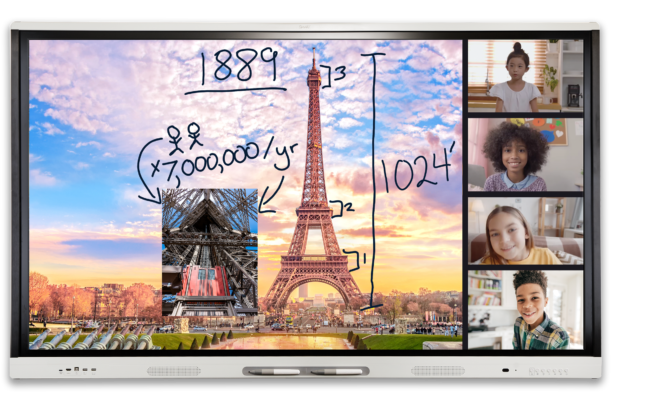
Bigger, Better Video Conferencing
The SMART Board MX series works with UVC webcams, Zoom, Microsoft Teams™ and Google Meet™. Enhance shared screen content with
tools like spotlights and digital ink that help communicate ideas and focus student attention.
Plug & Teach
Plug in multiple computers and video inputs and switch between them easily and intelligently with live input preview. Write and use widgets like spinners, timers and clocks over any input for even more interactive learning. Easily connect any device via USB-C, with 65-watt (rear) or 15-watt (front) power, for video, audio, touch, data and charging with only one cord – making it even easier for students to share content.


Best-in-class Multi-user Touch and Ink
SMART does collaboration better than any other interactive display. Only SMART enables multiple users to intuitively write, erase, touch and gesture at the same time, over any program or application, without interfering with another user’s tool choices. Featuring up to 20 unique points of touch, and Object Awareness to detect touch, pens and palms automatically. Plus, SMART Ink desktop software lets teachers write into and over web browsers, applications and files – without freezing the screen with an overlay
Easy to Maintain and Future-Proof
We put in the effort, so you don’t have to. SMART displays with iQ provide FREE automatic OTA updates to both Android and product features, providing a hasslefree way to upgrade your display without managing a labor-intensive manual process. Backed by SMART Assure warranty (region dependent), which includes expert technical support, advanced hardware replacement with two-way shipping, onsite RMA support.
Plus, easily managed at scale with included SMART Remote Management software *
(*Subscription for the length of included product warranty term)
Easy to use
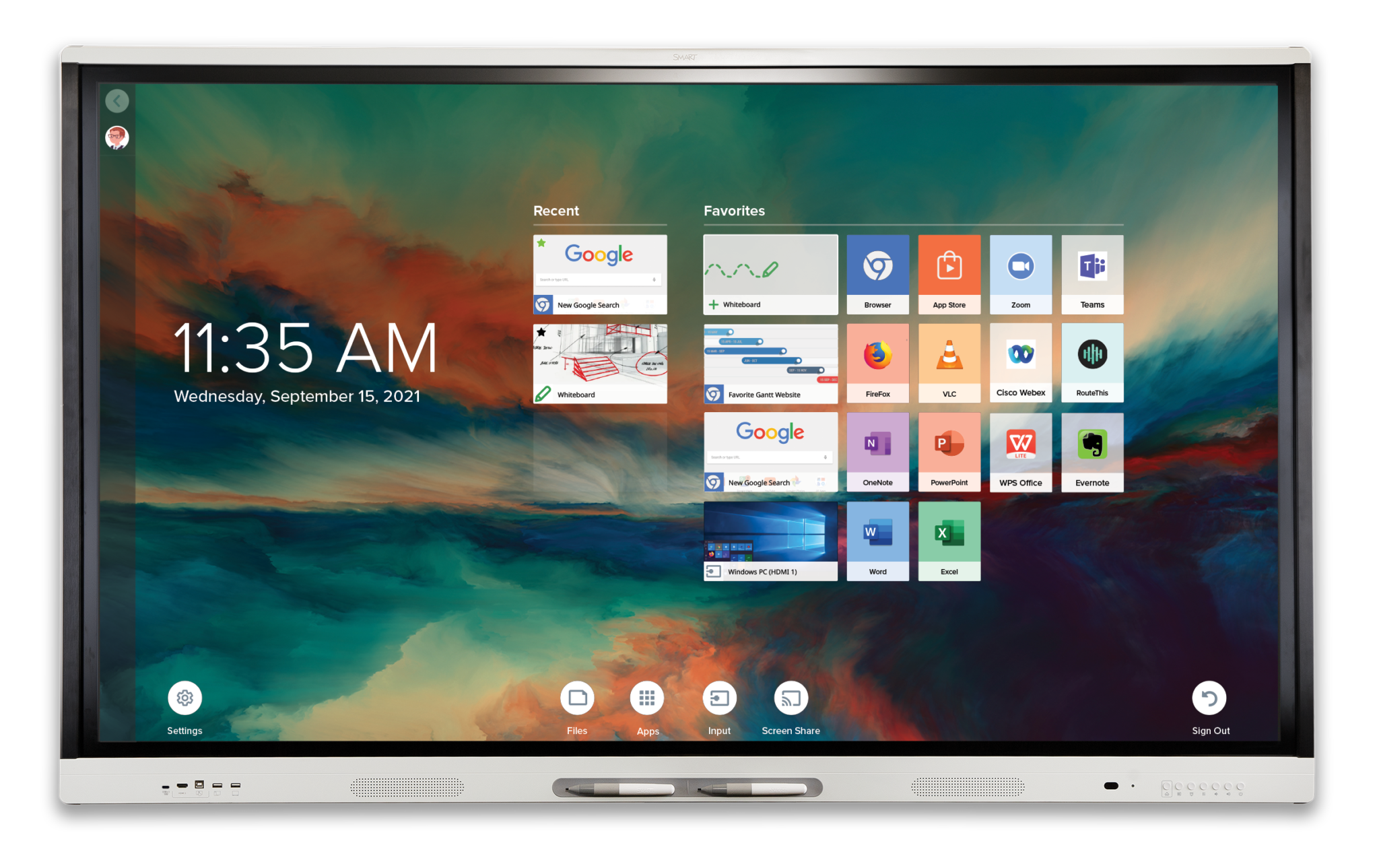
The MX series with iQ is designed for and tested with educators. Easy workflows and a straightforward UI give teachers the confidence to easily add free content and interactive elements to their teaching, regardless of their tech comfort level. Plus, up to 20 concurrent users can sign into
the display securely using their Google or Microsoft accounts. Enjoy a fully personalized desktop with oneclick access to the files and apps needed to teach, plus cloud storage integration.


Just 3 Clicks To Enagement
Enhance lessons on the fly with ready-made iQ whiteboard templates, popular graphic organizers, interactive activities, digital manipulatives and widgets – all designed for the classroom. Bigger, better video conferencing
Create & Deliver Rich Interactive Lessons
Free SMART Notebook desktop software enables teachers to create, edit and deliver interactive, engaging lessons optimized for the SMART Board MX display
Free Content Library for Teachers
Access the SMART Exchange , a library of thousands of free games, activities and lesson plans. Search by subject, grade and education standards.
Seamless embedded experience – powered by iQ
iQ is an integrated K-12 Android-based platform, purpose-designed for education. SMART displays with iQ put teachers’ personalized tools, content, OneDrive™ and Google Drive™ files right where they need them, and connects student devices for meaningful engagement, interaction and collaboration. iQ is easier and more powerful for teachers to use, saving clicks at every point in a lesson. It saves teachers time and focus as they use the whiteboard’s education tools, templates and activities, interact with student devices, browse the web and bring together their content.
Windows and Mac OS experience
Enjoy the full SMART Board experience on any connected Windows or Mac computer. Get 20 points of precise interaction, and natural, intuitive
touch and ink, with SMART Ink, Object Awareness and Simultaneous Tool Differentiation across web browsers and applications.
Chrome OS experience
When connected to a Chrome OS device, teachers can access the Google Play Store and their apps at the display, and interact with content. Enjoy simultaneous touch points, digital ink, automatic pen recognition, touch, and erase in supported Chrome OS applications
MX Series Interactive Display Brochure