
Description
Cloud Print Management (CPM)
Lexmark Cloud Print Management
Cloud Print Management (CPM)
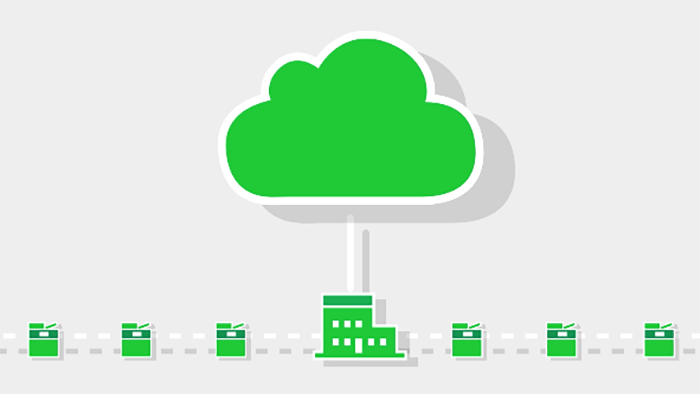
allows organisations to offload the physical infrastructure required to support the print environment, reduce demands on the internal IT department and provide a stable, flexible print environment.
Benefits and Key Features of CPM
Direct Print
Print instantly from a designated network printer without cloud data transmission. Eliminates the need to badge in for job release.
Print Policies
Scheduled print policies can permit or deny printing during specific times of the day. This helps prevent unauthorised printing outside working hours.
Lexmark Print Management Client (LPMC) Auto Update
Eliminate the need for manual updates by automatically updating the print management client on PC clients.
Integrates with MS Universal Print
Submit print jobs to Microsoft Universal Print to unify printing across multi-brand printer fleets while leveraging Lexmark printers’ CPM benefits.
Linux Client
Companies can now submit print jobs to the cloud from Linux, Windows, and Mac, which unifies print management across environments.
CPM Full Data Export
CPM will extract and share print job submissions and release data with third-party document accounting and reporting tools.
Secure Print Release
Submit print jobs and authenticate them on any enabled Lexmark device to increase security. Sensitive documents only print when an authorised user is present.
Mobile Print
Users can send print jobs from their mobile devices and release them for printing whenever they are ready. This provides a unified print system for desktops and mobile devices.
Mobile Release
Instead of using an ID badge, you can use a mobile device to release a print job, providing secure print release without the need to issue and manage badges.
Analytics
User-level printing, copying, and scanning analytics with department-level reporting for proactive print management and data-driven decision-making in enterprises.
Print Policies
Designated users or all can be limited to duplex printing or monochrome, reducing toner and paper costs.
Job Upload
Users can now upload electronic documents directly to the cloud and print them without having to open native applications.
Quotas
Restrict printing to optimise performance and cost by setting user or department-specific daily page limits.
7 Ways to Elevate enterprise printing with cloud technology.